

Do you want to display professional presentations that attract attention and impress listeners? Then, you should find the right template for your future presentations. In this review, we are going to consider a free template that is called “Radiance”.
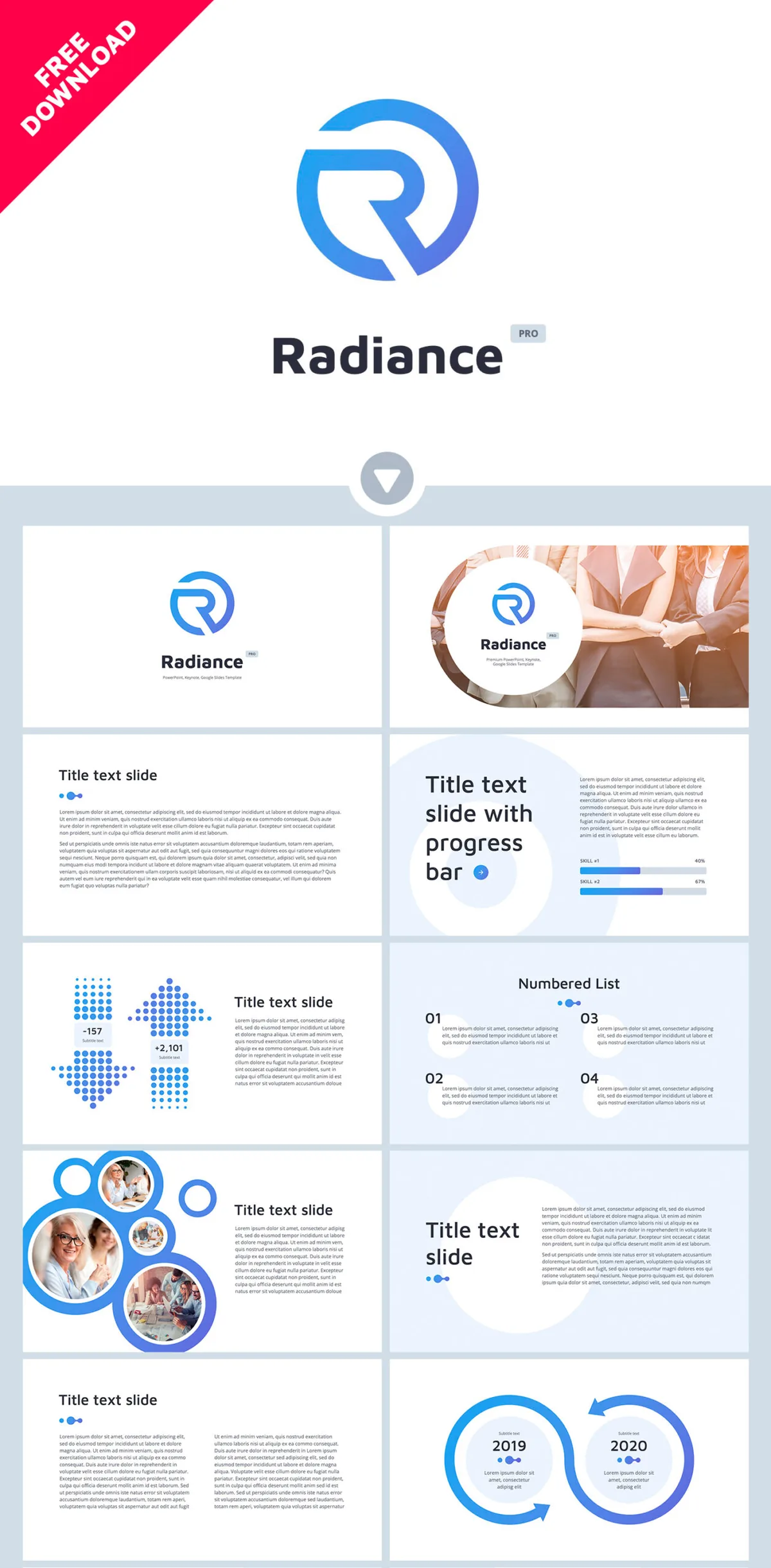
This is a free theme for Google Slide, PowerPoint or Keynote. Every user can download a suitable option for his/ her software. Click on the link below to go to the page where this ppt template is available for a free download.
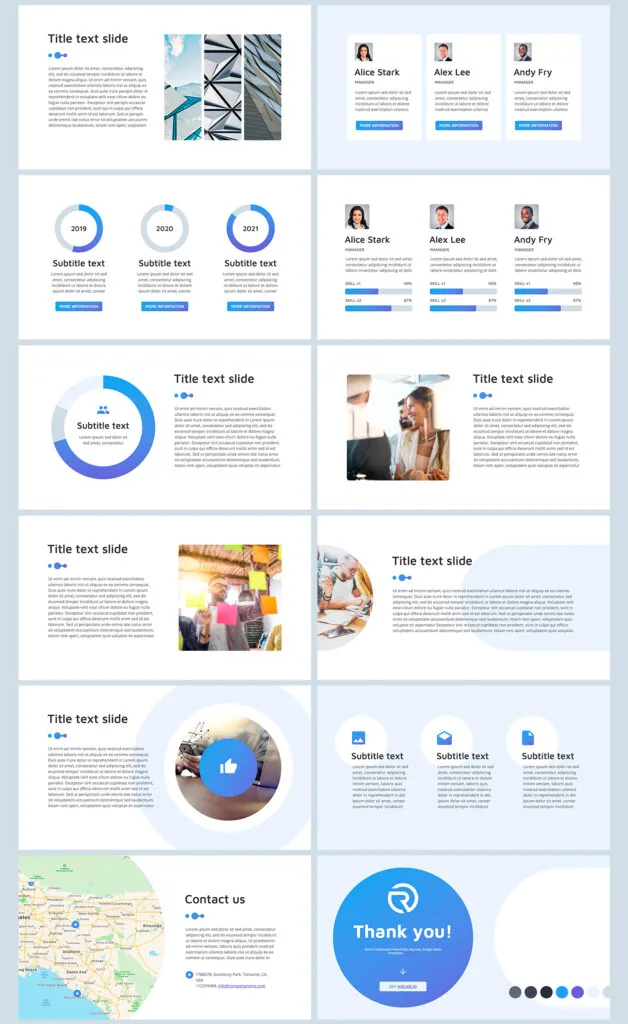
The template comprises different types of slides. It consists of 34 unique multipurpose elements. On demo slides, you can see the following elements: text pages, lists, charts, diagrams, infographics, maps; profiles.
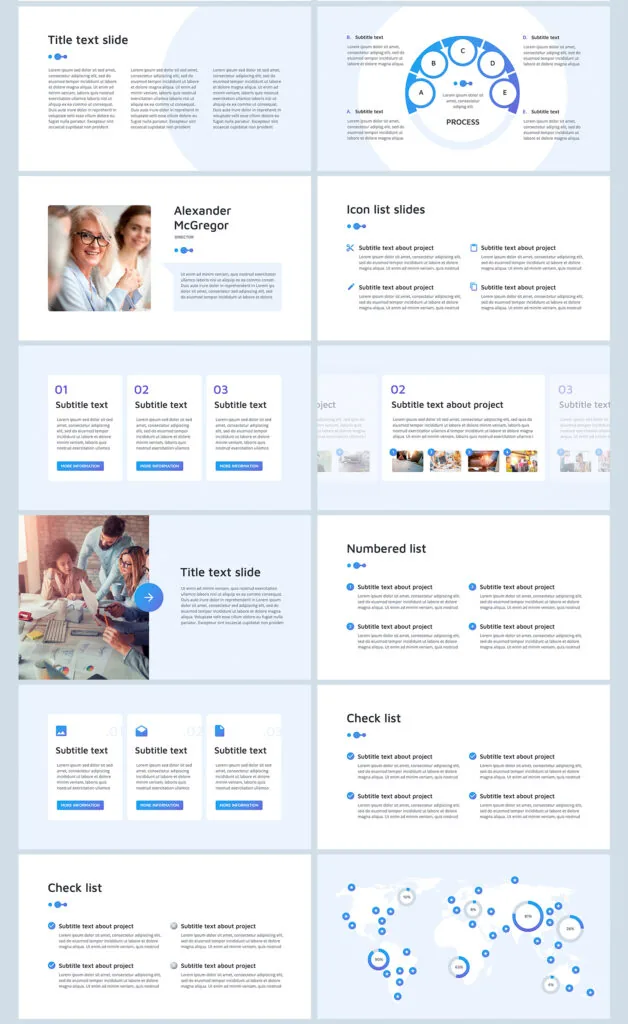
These visualization tools make the template vivid, comprehensible, and attractive. The template helps cope with the following objectives:
- Information visualization.
- Drawing attention and catching attendees of meetings.
- Simplifying topic consideration.
- Diversifying monotonous speeches or complicated issues.
This free Keynote template is characterized by the following obligatory features:
- Perfect quality
- Easy-to-use ready-made slides
- 2 color palettes to choose
- Built-in tools
- Creative presentation template design
- Improved functionality
- Multipurpose slides and visualization elements
- Free support
Radiance Business PPT download free >
Radiance Keynote template free >
Radiance Business Google Slides template free >
It is possible to use the template for various presentations. It is especially popular for advertising, business, or marketing. The template is perfect for business reports, analyses, marketing presentations, startups. Its structure is well-developed, and its minimalistic creative presentation design is suitable for any conference or meeting. If you want to create an excellent impression and demonstrate your professional skills, take advantage of a free PowerPoint template download. This template will help you cope with these tasks easier and more effective.