
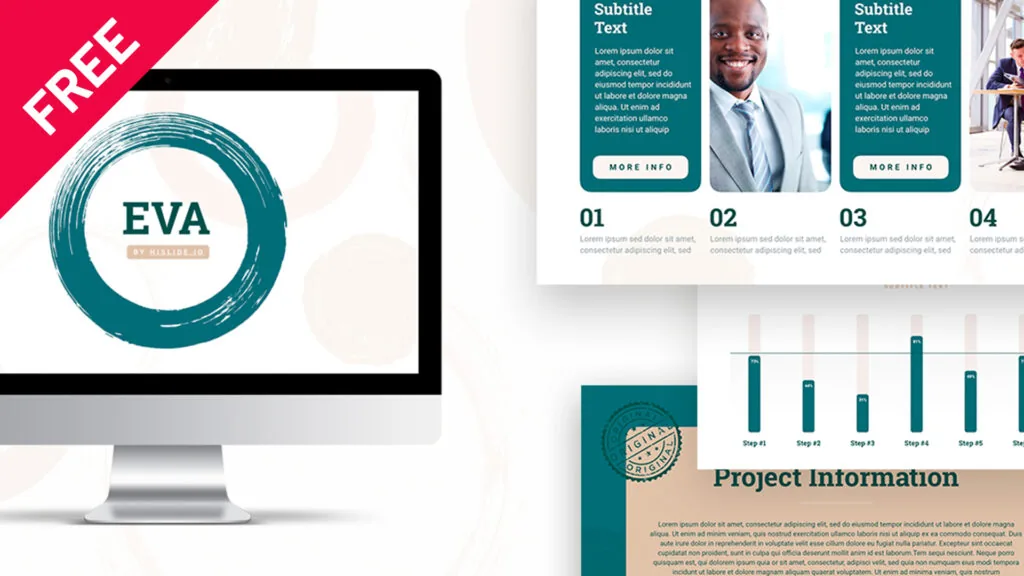
If you’re an office employee or manager, this pack will be a useful working tool for you. Slides help simplify topic consideration and perception and create professional presentations easier. There are five reasons to choose the pack:
Download Free PowerPoint version >
Download Free Keynote version >
Download Free Google Slides version >
- Free download. Every user can download this Eva PPT template for free. Just pass a simple registration procedure and download elements without restrictions. There are separates unique versions designed especially for PowerPoint Goggle Slides, or Keynote software. Choose the necessary one and get it in two clicks.
- Perfect quality. This pack looks perfect on any equipment. Developers guarantee that no visible defects will appear if you display it on projectors or any other office hardware. If you download the template, be sure that your presentations will not have visible defects or blurred slide segments.
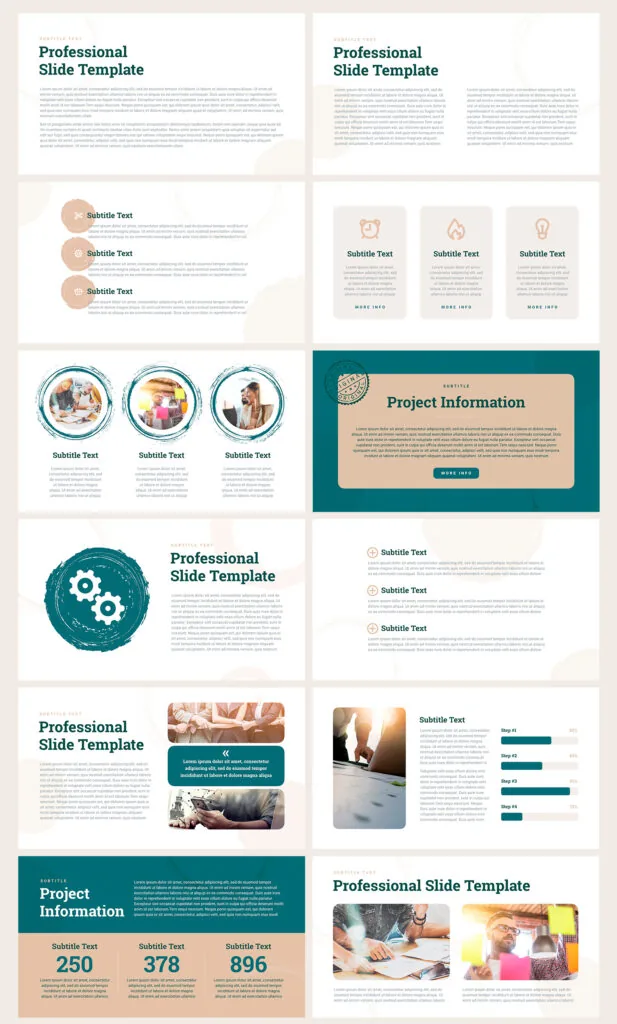
3. Multipurpose elements. This free PPT presentation template comprises multipurpose slides, on which various visualization elements are combined. Due to such a variety of visual tools, users have an opportunity to display all possible types of data and information. Charts, tables, maps, and other useful elements help make topic consideration more comprehensible, as well as draw listeners’ attention.
4. Easy-to-use ready-made pack. Even those users who do not have a background or additional skills do not encounter difficulties. This is a free Google Slides theme for professional presentations. The element is equipped with all necessary built-in tools that help cope with work easier and quicker. Vector elements are fully editable.
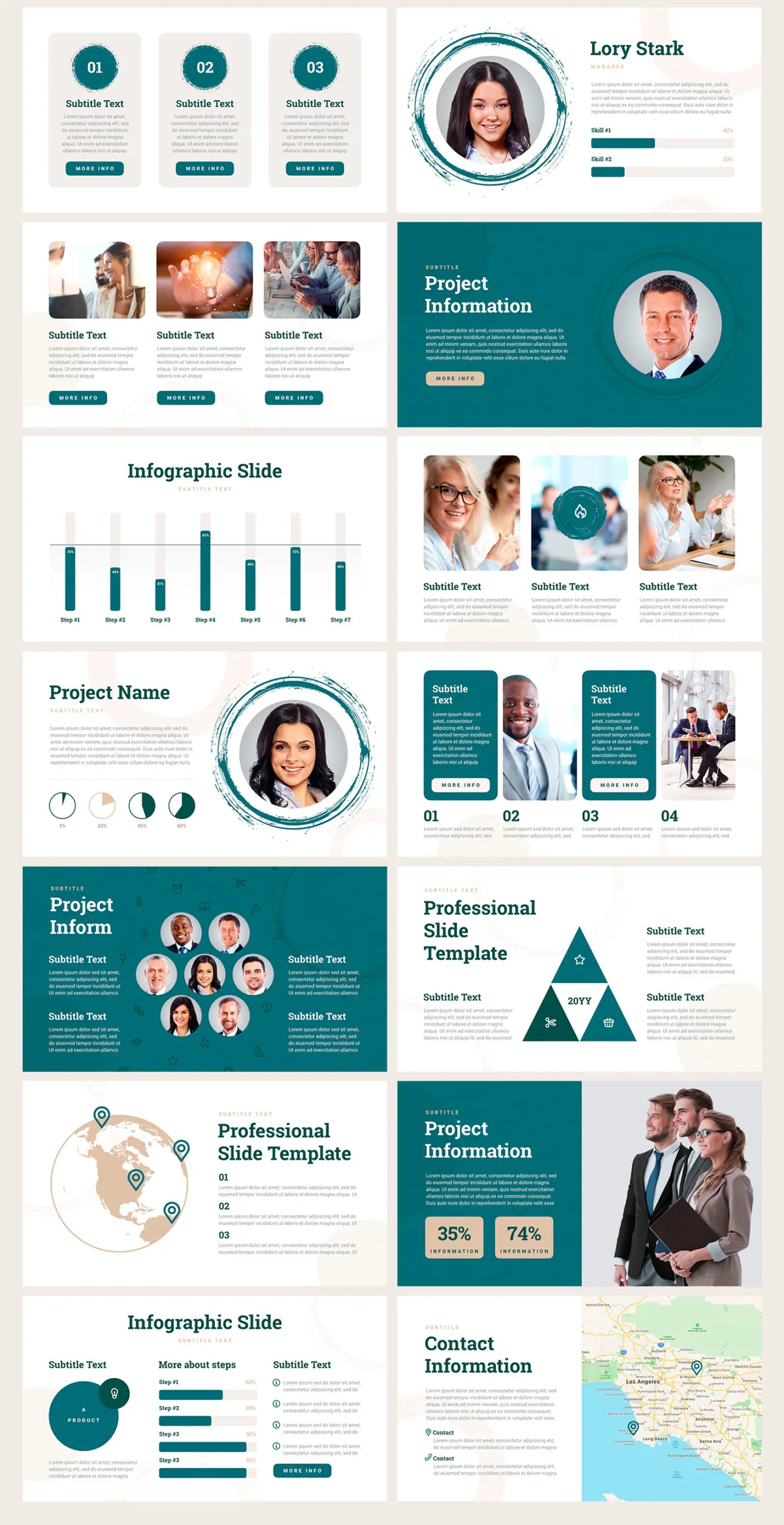
5. Modern design. Slides look stylish and vivid. The chosen color palette is restrained but modern. A minimalistic theme is welcome for business presentations and numerous digital projects.
The template serves as an excellent working tool that helps visualize topics, attract an audience and catch their attention. You’ll be able to visualize questions and make even the most complicated issues clear and perceivable.